

- 1
- 2 ratings
- 62.3 MB
- Size
- Android 7.0+
- Android
About this app
Table of contents
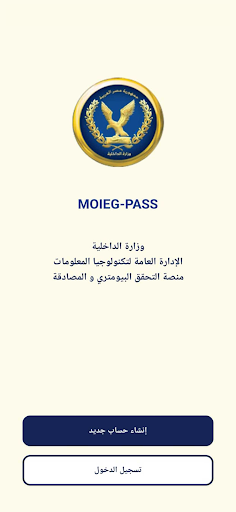
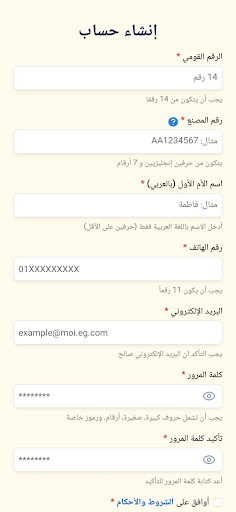
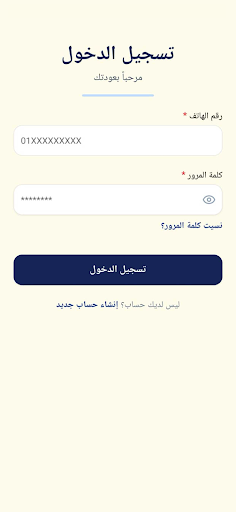
Governmental digital services are streamlined through MOIEG-PASS, a mobile tool designed to provide citizens with direct access to official administrative processes. By serving as a centralized platform, the app allows users to interact with state-managed systems from their mobile devices, removing the need to navigate traditional in-person channels for specific bureaucratic tasks. Its primary function is to facilitate the digital delivery of government services, acting as an intermediary between the individual and the relevant public sector entities.
Access to Governmental Digital Services
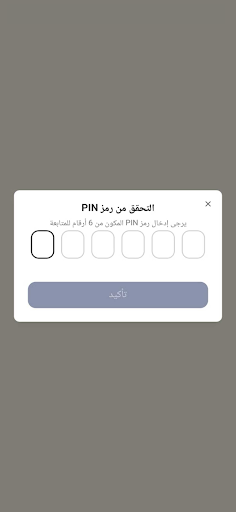
The core utility of this application lies in its capacity to serve as an official portal for public administrative tasks. Users rely on the app to bridge the gap between their personal requirements and state-level digital infrastructure. By centralizing these interactions, the software provides a structured way to manage service requests that would otherwise require physical presence at a government office. This digital interface is intended to manage the flow of information between the user and official entities securely.
Platform Scope and Functionality
As a dedicated tool for governmental interaction, the software is strictly focused on the digital exchange of information and service management. It is designed to handle the specific requirements of public service workflows, ensuring that users can execute tasks within the established framework of the issuing authority. While the app serves as a mobile gateway, its scope is limited to the digital services officially supported by the government providers it connects to, making it a specialized utility for those needing to engage with these administrative systems remotely.
File information
- App name
- MOIEG-PASS
- Publisher
- MOI Egypt
- Category
- Tools
- Version
- 1.2.1
- Size
- 62.3 MB
- Format
- XAPK
- Requires Android
- Android 7.0+
- Package name
- moi.gov.eg
Security scan completed
Installation
- Tap Download and wait for the file to finish downloading.
- Open the file from your Downloads folder.
- Use an installer that supports this file format.






Ratings and comments
0 comments